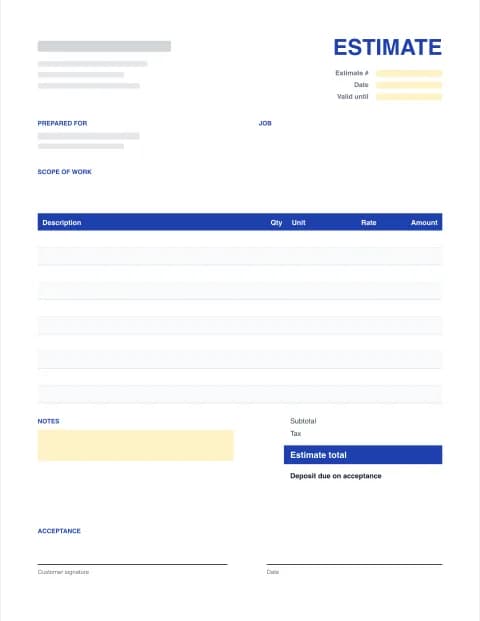
Free Estimate Template
Fill in the form below and download a professional estimate as PDF, Excel or Word in about 2 minutes. Templates for 12 trades, automatic totals, deposit and a signature line. No signup.
- 12 trade templates
- Excel, Word & PDF
- No signup, no watermark
- Runs in your browser
Online estimate maker
Built in your browser. Your estimate data never leaves your device.
Your Business Name
Street address, City, State ZIP
you@business.com · (555) 555-0100
ESTIMATE
- Estimate #
- EST-0001
- Date
- -
- Valid until
- -
PREPARED FOR
Customer name
Customer address
| Description | Qty | Unit | Rate | Amount |
|---|---|---|---|---|
| Item or service | ||||
| Item or service |
- Subtotal
- $0.00
- Tax (0%)
- $0.00
- Estimate total
- $0.00
ACCEPTANCE
By signing below, the customer accepts this estimate, its scope and terms, and authorizes the work.
Customer signature
Date
Made with Estimate Templates · estimatetemplates.com
PRO Win more jobs with Estimate Pro
Already subscribed? Restore with your licence key
Free estimate templates by trade
Each template comes with typical line items, units, a scope of work and terms for that trade. Excel versions calculate everything; Word and fillable PDF versions are ready to type into. See a filled-in sample estimate (PDF) or browse all 42 downloads.
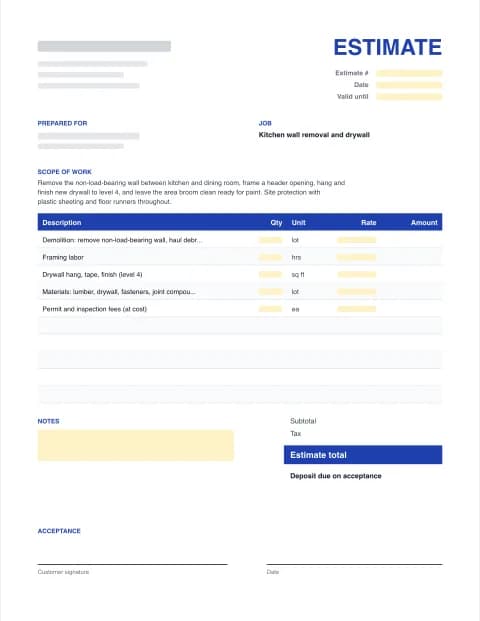
General contractor Estimate Template
Typical general contractor line items, scope, exclusions and terms prefilled. Add your quantities and prices.
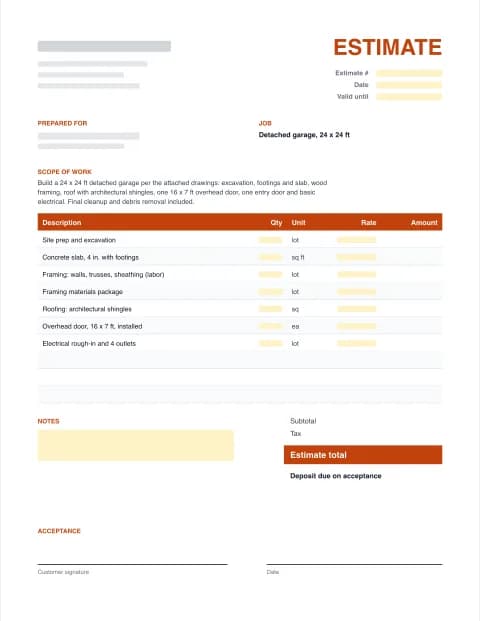
Construction Estimate Template
Typical construction line items, scope, exclusions and terms prefilled. Add your quantities and prices.
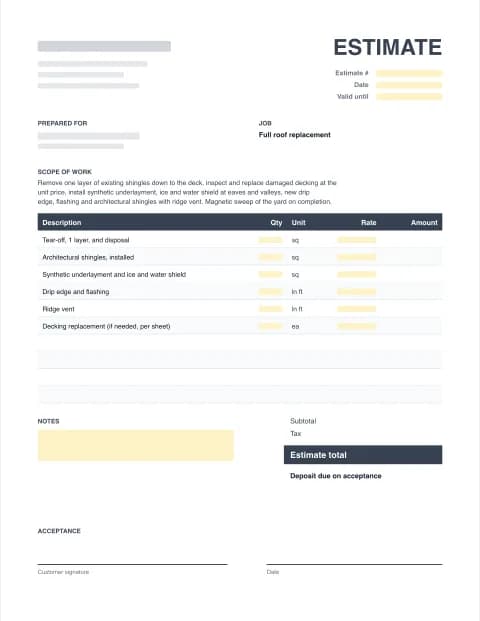
Roofing Estimate Template
Typical roofing line items, scope, exclusions and terms prefilled. Add your quantities and prices.
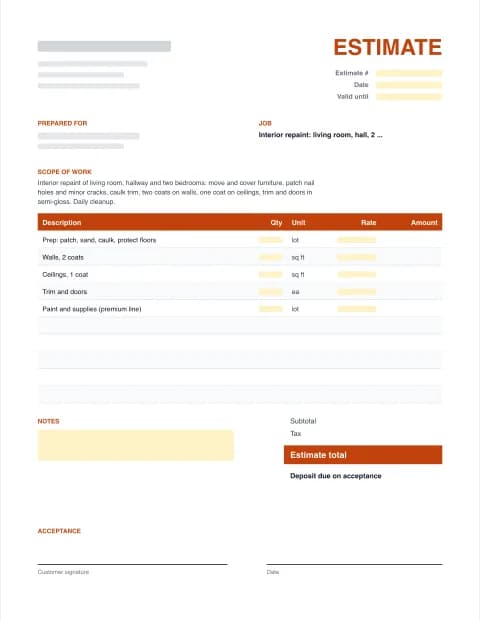
Painting Estimate Template
Typical painting line items, scope, exclusions and terms prefilled. Add your quantities and prices.
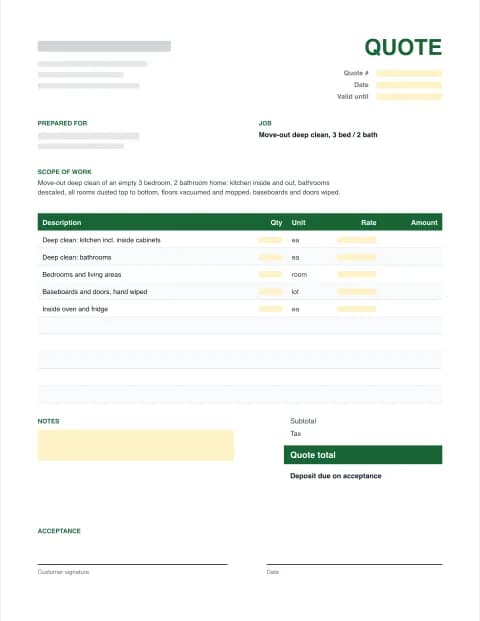
Cleaning Quote Template
Typical cleaning line items, scope, exclusions and terms prefilled. Add your quantities and prices.
More trades: General contractor · Construction · Remodeling · Roofing · Painting · Landscaping · Cleaning · Plumbing · Electrical · HVAC · Handyman · Flooring
By the Estimate Templates editorial team · Last updated · Formulas checked against worked examples
What to include in an estimate template
A good estimate template answers the customer's three questions before they ask: what exactly am I getting, what will it cost, and what happens next. Every free estimate template on this site includes these parts:
- Your business details: name, address, phone, email and your license number if your state requires it on bids.
- The customer and job site: who the estimate is for and where the work happens.
- Estimate number and date, so you can match it to the invoice later.
- A valid-until date, because material prices change.
- Scope of work in plain language.
- Itemized lines: description, quantity, unit, rate and amount, with labor and materials shown separately.
- Optional items listed apart from the total, so the customer can choose upgrades.
- Subtotal, discount, tax, total and deposit.
- Exclusions and terms: what isn't included, payment schedule and how changes are handled.
- An acceptance block with signature, printed name and date.
How to write an estimate (6 steps)
- Pick your trade. Choose a trade template (roofing, painting, HVAC, cleaning and more) to load typical line items, a scope of work and standard terms, or start from the general estimate.
- Add your business and the customer. Enter your business name, contact details and license number, then the customer's name, address and the job site.
- Describe the scope of work. Say in plain words what you will do, where, with which materials, and what the finished result looks like. List what isn't included under Exclusions.
- Price each line. Enter a quantity, unit (hours, sq ft, each) and rate for every line of labor and material. Mark add-ons as optional so they show separately and don't inflate the total.
- Set tax, deposit and validity. Add the sales tax rate if it applies, the deposit you need on acceptance, and how long the price is valid (30 days is typical).
- Download or send for signature. Download the estimate as a PDF to email, or as Excel or Word to keep editing. With Estimate Pro, send a link the customer can sign on their phone.
Worked example: a contractor estimate
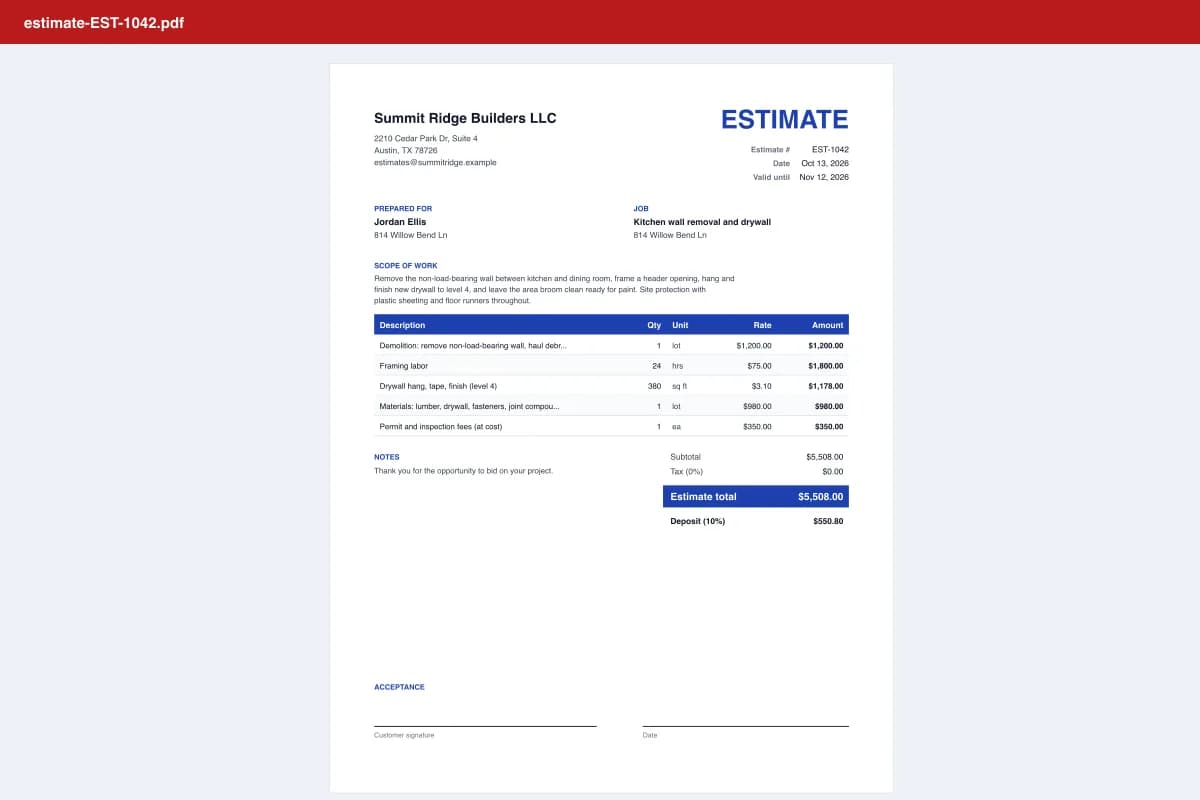
The sample estimate is for removing a kitchen wall: demolition $1,200, 24 hours of framing at $75 ($1,800), 380 sq ft of drywall at $3.10 ($1,178), materials $980 and permit fees $350. That gives an estimate total of $5,508.00. With a 10% deposit, the customer pays $550.80 on acceptance. Painting the repaired walls is listed as an optional item at $650, so the customer sees the choice without it inflating the headline price.
Estimate vs quote vs bid vs invoice
| Document | What it means | When to use it |
|---|---|---|
| Estimate | Your best calculation of the cost; it can change if the job changes | Repairs, remodels, anything with unknowns |
| Quote | A fixed price for a defined scope, valid for a set time | Clear, repeatable jobs and product orders |
| Bid / proposal | A formal offer, often competing with other contractors | Invited tenders, commercial work |
| Invoice | A request for payment after (or during) the work | When the job or a milestone is done |
Once the customer accepts, the estimate becomes the basis of your invoice. Our sister site Excel Invoice Maker has matching invoice templates, and Estimate Pro converts an accepted estimate into an invoice in one click.
Pricing your estimate: markup, contingency and deposits
- Markup is not margin. Marking up $1,000 of cost by 25% gives $1,250, which is a 20% margin. For a 25% margin, divide cost by 0.75 ($1,333).
- Show contingency openly on remodels (5% to 10%) instead of padding every line.
- Use unit prices for unknowns, such as a price per sheet of roof decking, so hidden damage doesn't become an argument.
- Check deposit limits. Some states cap deposits on home improvement work; California's limit is $1,000 or 10% of the contract price, whichever is less.
Common estimate mistakes
- A vague scope like "bathroom remodel". Spell out what's included and what isn't.
- No expiry date, so a customer comes back six months later expecting last season's price.
- One lump sum with no breakdown. Customers trust itemized estimates more and compare them more fairly.
- Sending an editable file. Send a PDF (or an accept link) and keep the Excel or Word file for yourself.
- No signature. A signed estimate settles "I never agreed to that" before it starts.
These templates are general business documents, not legal advice. Licensing, contract and deposit rules vary by state; check what applies to your trade.
Frequently asked questions
Is this estimate template really free?
Yes. The online estimate maker and all 42 downloadable templates (Excel, Word and PDF for 12 trades) are free, with unlimited downloads, no signup and no watermark. Estimate Pro ($7.99/month or $59/year) is optional and adds online accept-and-sign links, estimate to invoice and saved customers.
What is the difference between an estimate and a quote?
An estimate is an approximate price based on what you know now; the final bill can change if the job changes. A quote is a fixed price for a defined scope, usually valid for a set period. Both list the work, line items and total. In this maker you switch between the two with one click.
Is an estimate legally binding?
Usually an estimate on its own is not a binding fixed price, but once the customer signs it and its terms, it can form part of your agreement. State consumer and home improvement laws also set rules, for example on written contracts and deposits. For larger jobs, use a written contract and check your state's rules.
How long should an estimate be valid?
30 days is the most common. Use 15 days when material prices are moving quickly and 60 to 90 days for slow commercial bids where your supplier prices are locked. The template calculates the valid-until date for you.
How do I make an estimate in Excel or Word?
Download the Excel (.xlsx) or Word (.docx) template, replace the bracketed placeholders with your details, and type your line items. In the Excel version every amount, the subtotal, tax, total and deposit are live formulas. Or fill in the form on this page and download a finished file.
Should I charge a deposit on an estimate?
Deposits are common when you buy materials up front. Many states limit them for home improvement work. California, for example, caps the down payment at $1,000 or 10% of the contract price, whichever is less (Business and Professions Code section 7159.5). Check your state before setting the deposit percentage.
Can my customer sign the estimate online?
Yes, with Estimate Pro. You get a private link to send by email or text; the customer opens the estimate, types their name, signs with a finger or mouse and taps Accept. You see when it was viewed and accepted, and can download the signed PDF. Free estimates include a signature block for signing on paper.
Is my estimate data private?
Yes. The free maker builds your files inside your browser, so customer names, prices and your logo are never uploaded. A draft is kept only in your own browser so you don't lose work.